 Kauis
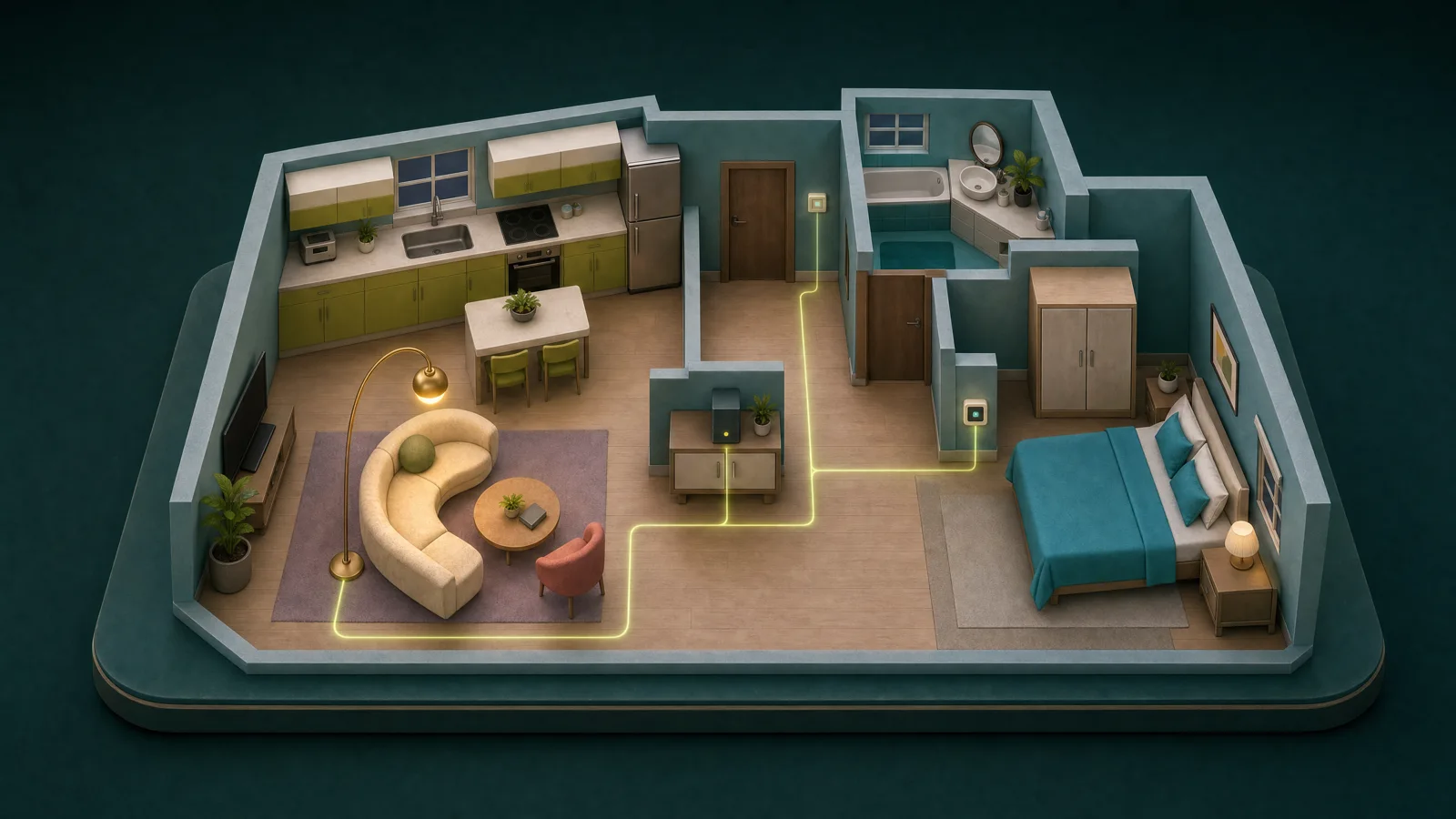
When you switch on a light, your home already has everything it needs to respond. The switch, the light and the people using them are all there. We believe the intelligence connecting them belongs there too.
That belief is the starting point for our smart-home software: local data, local control and local automation on your own server.
Local control is a principle shared by several smart-home platforms. The experience of getting from an idea to a working home matters just as much. Choosing compatible hardware, connecting devices, arranging controls and making routines work together all take thought. We believe the software should help you through those decisions.
You might start with something simple: “We want the hallway lights to come on when someone arrives.” Our aim is to give you a clear path from that intention to the room, the devices and the behavior you want. The work of bringing those pieces together should be part of the product experience.
What defines our approach is how those pieces fit together. We are developing our own platform with built-in Matter, Zigbee and KNX integrations, a visual representation of your home, understandable automation and permissions that follow the people using it. The device integrations run within your local installation, alongside the software that controls your home.
That is why we are designing setup, the home view and automation together. We want local ownership to be approachable for people who want a dependable home and a clear way to manage it. For customers who want help getting there, we also offer installation planning and separately quoted implementation.
Data and routines stay at home
Core device control and routines run on your home server. If the internet connection goes down, supported local functions can continue while the server, local network and adapters are working. The information needed for those functions stays available where it is used.
That also matters for privacy. Room temperatures, device activity and routines can reveal patterns about daily life. We believe core home data should be stored and processed at home. Optional external services, such as online weather, should have a clear purpose and an understandable boundary.
Our native integrations: Matter, Zigbee and KNX
This thinking starts when you connect a device. We have our own native integrations for Matter, Zigbee and KNX. Supported Matter and Zigbee devices join through our local commissioning implementation, without sending that process through a manufacturer's cloud or a third-party provisioning service. With the required adapters and local setup material in place, your hub handles pairing and brings the devices into your home system.
For KNX, our integration communicates with the building's installation through a local KNX/IP interface. Supported project files are imported and mapped locally, and device commands and readings travel over the local connection. The existing KNX installation still needs its normal commissioning and configuration; our integration does not require a cloud service to operate it.
This gives local ownership a concrete meaning: supported pairing, KNX project import and everyday device communication are handled inside your installation. Those operations do not need to send your home data to an external provisioning provider. Your server holds the core home data and runs the automation, while the local radios and interfaces connect it to the devices.
Compatibility and installation requirements still apply. Optional online services, authorized remote access and a device's own independent internet activity have separate boundaries. We want you to understand exactly what stays local and when an external connection is involved.
Your home, a familiar interface
We also believe your home is a useful starting point for its interface.
You already know where your kitchen is and which bedroom feels cold. You start by building your home's layout in 2D and placing devices in their rooms. The 3D view is generated from that same house plan, so you do not have to build your home twice. Both views represent the same home and devices, letting you see their states in the spaces where they belong.
The purpose is to make information easier to understand at a glance. A temperature reading has context when it appears in the right room. A light is easier to find when it appears where you expect it to be. Everyone using the home should have a familiar starting point, including people who did not set up the system.
Routines that people understand
That spatial view also becomes a place to create automation. You can connect a sensor to a device or room, then describe when it should act and what it should do. Readable rules cover straightforward behavior; structured workflows support conditions, branches and waits when a routine needs more detail.
Manual intervention matters here too. Someone touching a switch is part of how a household lives. Our automation approach includes handling manual actions and protecting against unwanted switch-off behavior. We want people to understand both what a routine does and how their own actions affect it.
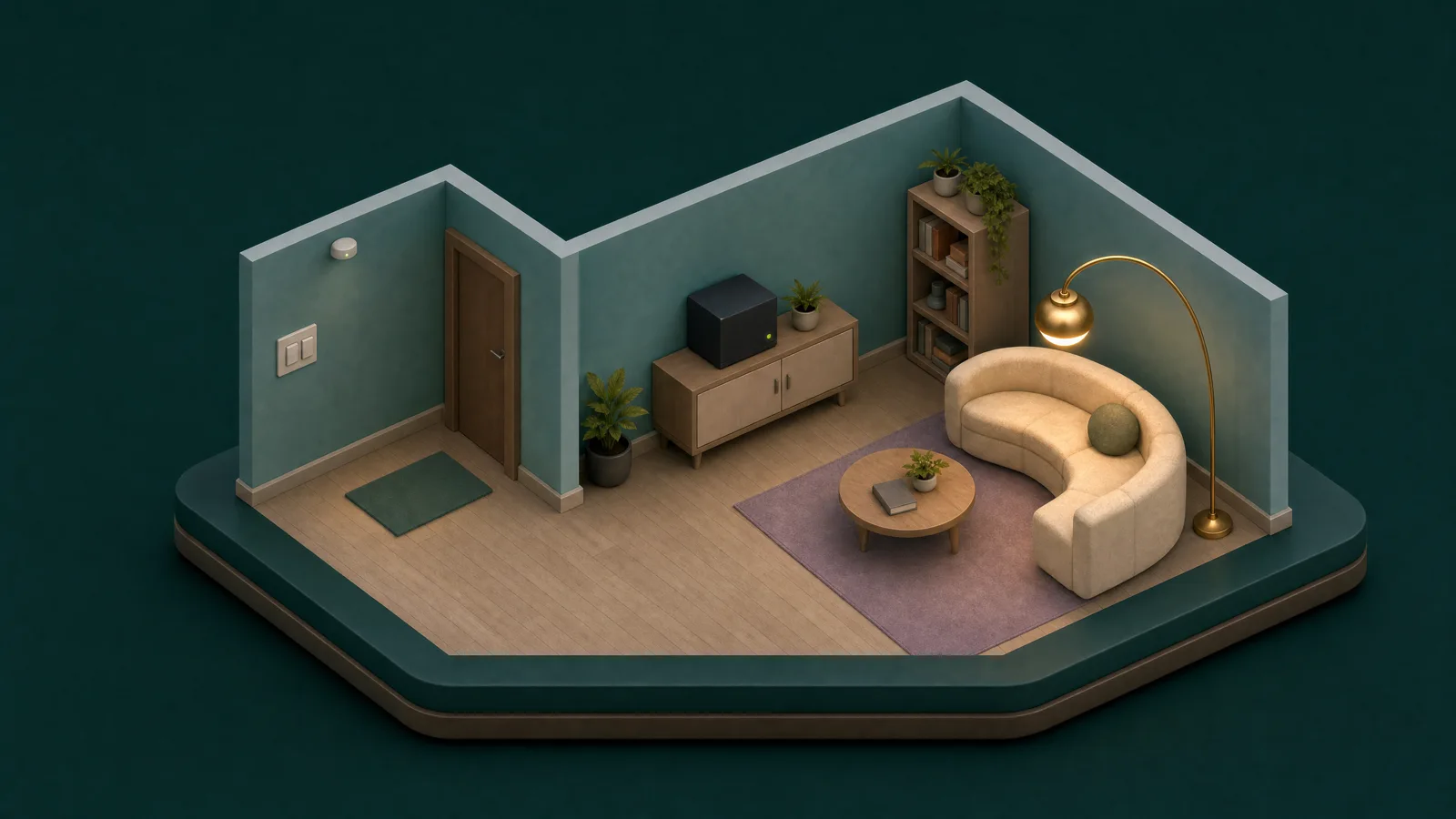
Your hardware. One home or a whole building.
Ownership also means having choices about the equipment running the software. We are building independently of a single hub model, with supported customer-owned hardware as an installation option. We can assess equipment you already have and discuss a preinstalled system if that suits you better. Compatibility and computing requirements still matter, especially when adding local AI.
The same software supports a single household and a building with multiple households. For one home, a local hub holds the core data, runs automation and connects to supported devices. For a shared building, a central local hub coordinates satellites assigned to apartments or shared areas. Those satellites provide local connection points and host the device integrations assigned to them; the building hub remains responsible for permissions and automation.
Each apartment has its own scope. Residents can operate their private devices and the common devices shared with them, while permissions keep other households' private controls separate. This lets a building share its central computing infrastructure while giving each household its own view and access.
Local at home. Connected securely away.
The connection to that local system matters too. At home, the app connects over the local network to the hub, or through an apartment's satellite to the building hub. Everyday local use does not need to travel through an internet service.
When you enable remote access, your hub opens an authenticated connection outward to a relay. This path requires no inbound port forwarding on your home router. Your phone or browser reaches the hub through that connection, with its application traffic encrypted all the way to your local server. The relay forwards the encrypted traffic without decrypting your home commands or readings; it can still see connection metadata, such as the destination hostname and traffic timing.
Your local server handles the request and checks access. Passkey sign-in and hub-enforced permissions control who can see and operate devices. The remote route is reachable through the internet, so those protections remain essential. Your core home data and automation stay on the local server, and authorized remote clients receive their responses over the encrypted connection.
Voice and AI follow the same principle
Voice and AI follow the same direction. Our local language-model, speech-to-text and text-to-speech components are implemented. Their integration into the complete assistant experience is in progress. The intended flow processes conversations locally and uses the requesting person's permissions when interacting with the home.
What comes next
These choices explain what we mean by local first. Our direction brings together device setup, visual control, understandable automation, hardware choice and shared access around the customer's own server.
We will use this blog to explore those decisions and show the software in more detail, with a new post each week. Next, we will look at why we chose a 2D and 3D home interface and how it changes the way you find and control devices.
If you are considering a local system for your home or building, start with a free consultation. We can discuss what you want to achieve, what equipment you can reuse and what a supported installation would involve. Software and implementation are quoted separately once the scope is agreed.
Illustrations show concepts, not screenshots or a hardware demonstration.