01
Your data lives here.
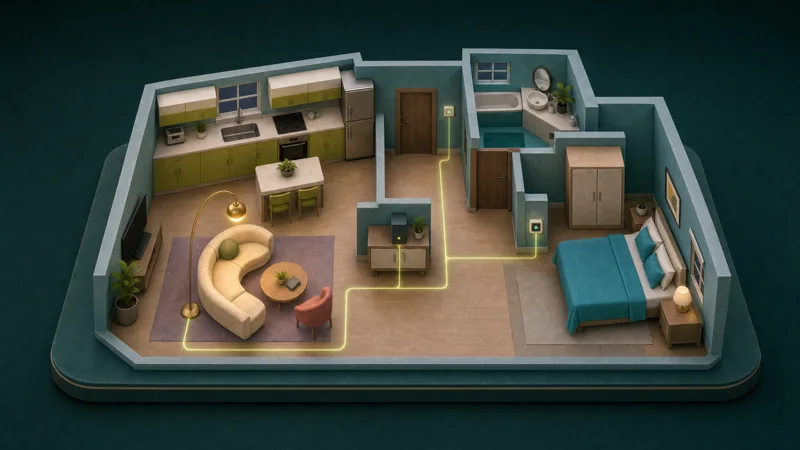
Your server stores and processes your core home data. A local foundation for the home you see on every screen.
 Kauis.
01 — IT STARTS AT HOME
Our own smart-home software. Native Matter, Zigbee and KNX integrations. Your devices, data and routines, together on your local server.
Start with a free conversation.
Software and implementation quoted separately.
01 / THE WORK HAPPENS AT HOME
Our own software. Your own server.
The everyday things your home does belong at home.
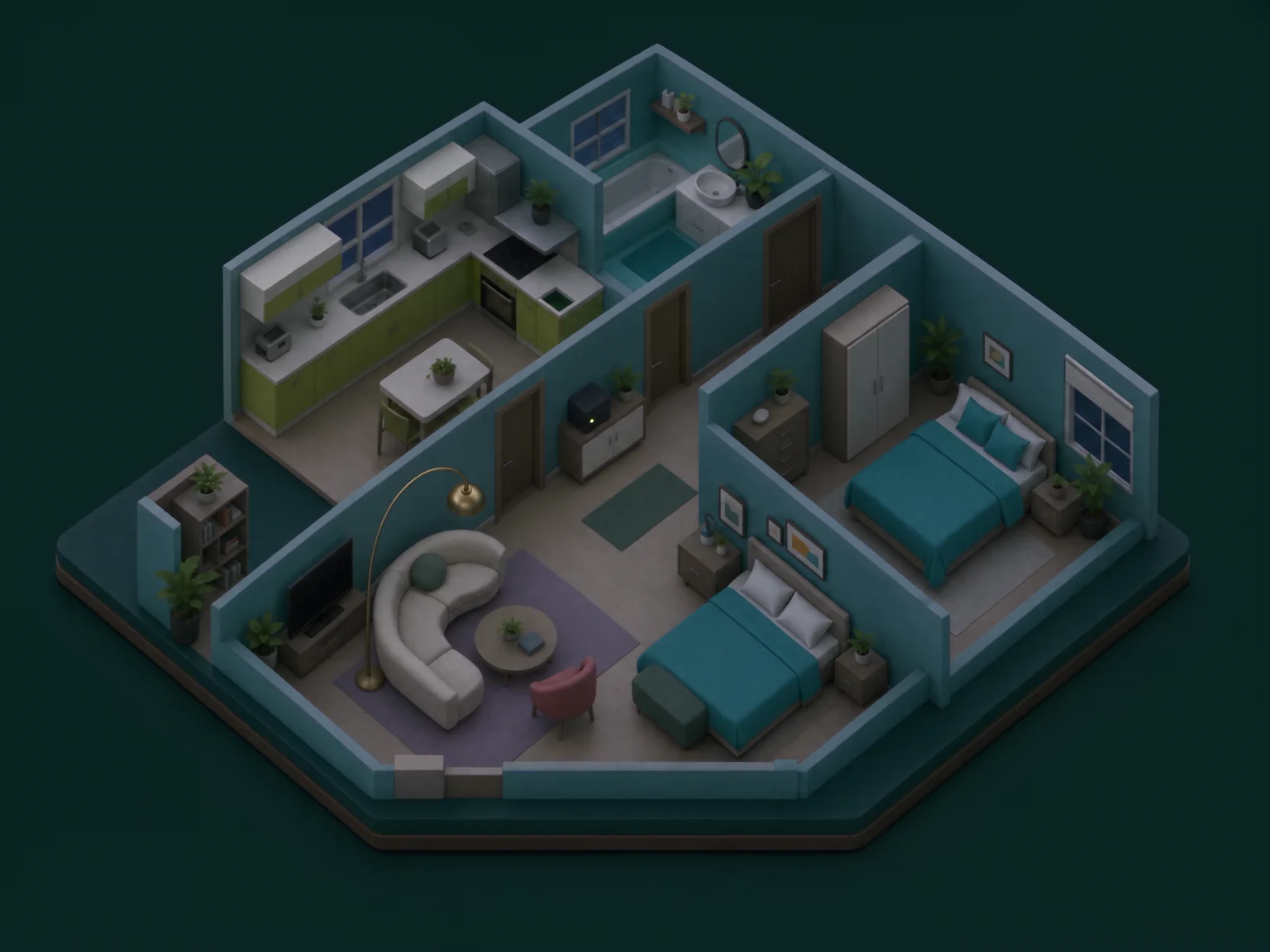
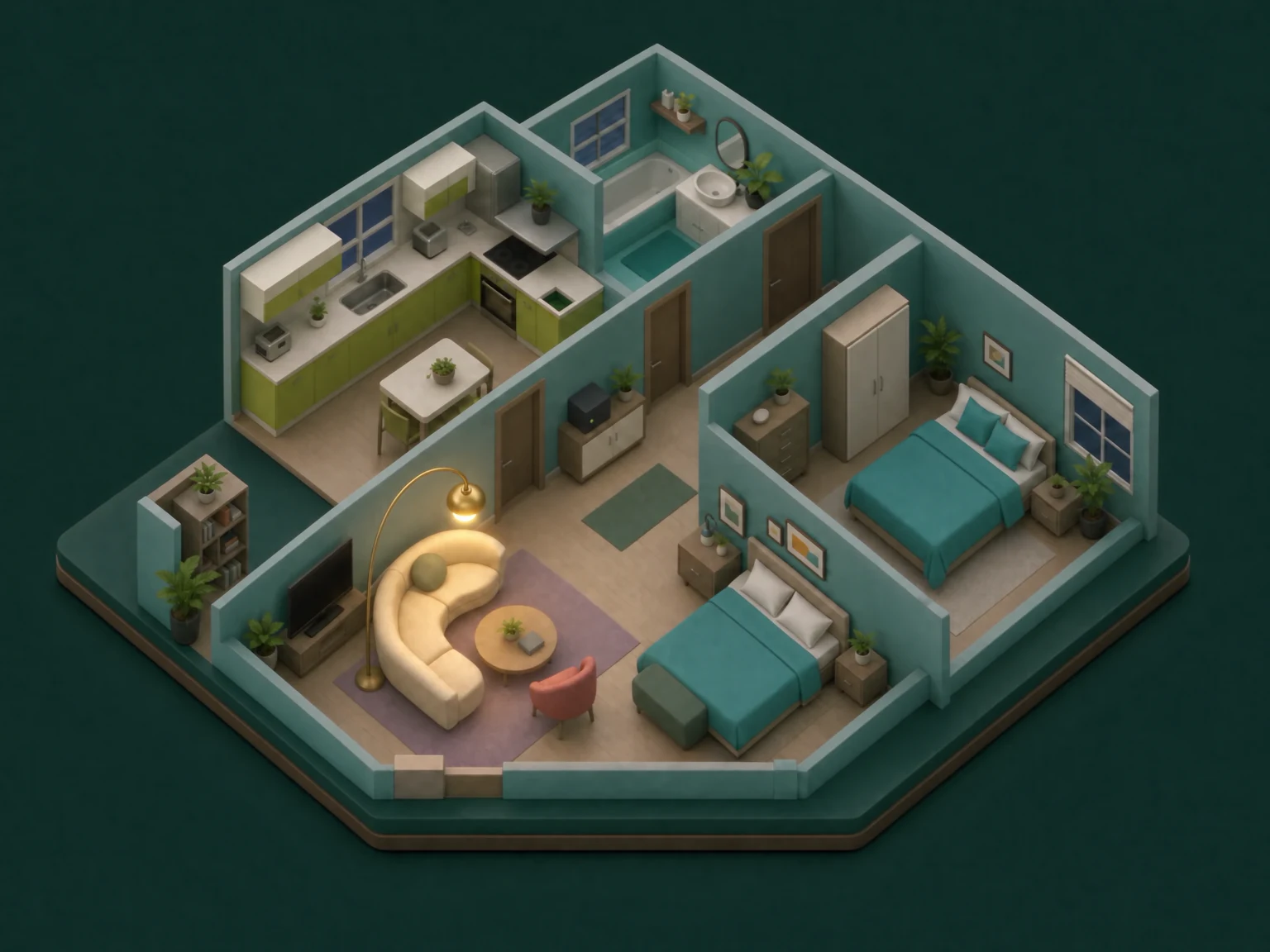
Your server stores and processes your core home data. A local foundation for the home you see on every screen.
Commands for supported devices are handled by your home hub, over your local installation.
Saved routines execute on your server. No cloud automation service needed for everyday local control.
Supported local control and saved routines continue while your hub, home network and adapters are running. Remote access and automatic weather need internet.
Illustrated explanation, not a live hardware test.02 / OUR PLATFORM. OUR NATIVE INTEGRATIONS.
Kauis is our own smart-home software. We develop its native Matter, Zigbee and KNX integrations, bringing supported devices into the same home view, local routines and permissions. Built into our product, from setup to everyday control.
Pair supported Matter devices directly with your Kauis hub. See their reported state, control them from your home view and make them part of your routines.
Connect compatible lights, switches and sensors through your local coordinator. Put their readings and controls in the rooms where they belong.
Bring supported KNX lighting, blinds, valves and sensor readings into your Kauis home. Use the same visual controls and local routines alongside your other connected devices.
A Zigbee motion sensor can start a Kauis routine that switches supported KNX hallway lighting and a Matter lamp. Your server brings the different connections together.
Illustrative setup. Device capabilities, bindings and permissions are checked for your installation.03 / THE FAMILIAR, MADE USEFUL
You already know where everything belongs.
Now your controls do, too. Create your layout,
place your devices, and see your home clearly.
Draw your layout and place devices where they live. Your layout is created by you.
View reported light, window and sensor states in the rooms where they matter.
Control supported devices from your plan, 3D view or a dedicated room screen.
04 / LITTLE ROUTINES. BETTER DAYS.
Your server runs the routines. Draw a sensor-to-light connection on your plan and build a rule you can read. See when they ran, why they paused, and where you’re in control.
Changed the light yourself?
Your manual choice is respected.
05 / CLOSE TO HOME. EVEN WHEN YOU’RE NOT.
Connect back to your home over an encrypted connection. Passkeys identify you; your hub checks which rooms and devices you can access.
Understand the privacy detailsAccess belongs to an authenticated person.
Private and shared devices stay within their scopes.
Remove a screen’s access when you need to.
06 / OUR SOFTWARE, CONFIGURED FOR YOU
Tell us what you want your home to do. We’ll check compatibility, explain what you can reuse and make a clear offer for our software and its implementation.
Free first conversation. No purchase required.Your goals, your space, your existing equipment. “I’m not sure” is a perfectly good starting point.
FREE INITIAL DISCUSSIONWe check what can be delivered and itemize software, implementation and any equipment or delivery.
After your agreement, we set up the supported devices, home view and routines included in your quote, then show you how to use them.
07 / A PLACE FOR YOUR HOME TO RUN
Reuse compatible hardware, or discuss one
of our planned Power hub options.
Planned hardware range
A compact hub for supported devices, saved routines and everyday local control.
Concept illustration · final specification to be confirmedAn expandable home server, designed with space for a future graphics upgrade.
Concept illustration · final specification to be confirmedA proposed hub for GPU-accelerated local AI. Speech and AI components exist; assistant integration is in progress. Hardware performance to be validated.
Concept illustration · final specification to be confirmedRun our software on supported hardware you already own. We’ll check compatibility and quote the licence and setup separately.
08 / YOUR EVERYDAY WINDOW HOME
Use a compatible Android tablet you already own, or get one from us at cost. Planned household app access is included with our hub software.
Want it on the wall? Tell us the exact model and your preferences. We confirm fit and itemized cost, custom-print a plastic mount, then ship it to you. No extra app licence for each compatible tablet in the same household.
Compatible configured hub required. Models and Android versions to be confirmed. Tablet, mount and delivery supplied at cost; installation separate.09 / PRIVATE HOMES. SHARED POSSIBILITIES.
A central local hub serves the building, with satellites connecting devices where needed. Each household has its own home and permissions.
Shared corridor lights? Residents can control them from their own interface. Private apartment devices stay within their assigned permissions.
MORE UNDERSTANDING. LESS GUESSWORK.
Explore consumption by room and over time. Understand costs with your entered tariff, with measured and estimated usage distinguished.
Illustrative chart. Projections are estimates, not your utility bill.Share emergency information across authorized screens, mark room status manually and rehearse supported actions together.
Awareness and rehearsal, not a certified alarm or evacuation system.Local speech recognition, AI and speech synthesis are implemented. We’re connecting them into your home assistant so conversations can be processed locally, without requiring a cloud AI service.
Follow the integrationComponents implemented · connections in progress
The complete assistant will be offered once connected and verified.
A free conversation is a good place to begin. Tell us about your space and we’ll explain your options.
A FEW THINGS YOU MIGHT BE WONDERING
Yes. Tell us about your home, existing hardware and goals. We start with a free conversation, check what can be delivered and quote our software and implementation separately. Only supported, agreed work is included.
Yes. Kauis is our own smart-home software platform, built around local data, local control, local automation and a visual 2D/3D home. We develop the native Matter, Zigbee and KNX integrations built into Kauis. The protocols are industry standards; our product brings them together with our home view, routines and permissions. We also offer paid implementation on compatible hardware.
Supported local control and automation continue while your hub, local network, power and relevant adapters work. Remote access and automatic weather need internet. A satellite disconnected from the central hub cannot provide independent control.
Built-in Matter, Zigbee and KNX integrations support specific device functions. We check the exact equipment and setup before quoting. Direct Matter and Zigbee pairing happens locally; radio, networking and device-specific prerequisites still apply. This does not block a device’s own internet traffic.
Core home data and routines are stored and processed on your server. Remote access sends requested data to your authorized device over a connection encrypted to your hub. The relay forwards it without decrypting home content, but can observe connection metadata. Optional automatic weather uses an external provider. The local server and its operator remain trusted parts of the installation.
No. The planned Android offer supports compatible customer-owned tablets, with household app access included in our hub software. Additional compatible screens in the same household do not incur another app licence. Packaging, supported models and Android versions still need verification. Every screen requires a configured, licensed hub.
For supplied tablets and custom-printed plastic mounts, we itemize purchase, materials, printing, preparation and any agreed fit work without profit markup. Packaging and delivery are listed separately at actual cost. Software, server hardware and implementation have their own quoted terms.
Yes, under their user permissions. Residents can operate supported common devices shared with their household while private apartment devices remain scoped separately. One local hub coordinates the building; satellites extend device connections where needed.
Local speech recognition, the language model and speech synthesis are implemented. Connecting these components into the complete home-assistant flow is still in progress. We will offer the integrated assistant once that flow is connected and verified.
No. You can discuss an installation directly. The optional update list is for local voice integration and future features; it does not reserve an installation or automatically include people who request a quote.
We explain your options, initial compatibility and what you may be able to reuse. No purchase is required. Software, implementation, detailed engineering, site visits and ongoing support are paid items where needed, agreed before work begins.
FOLLOW WHAT’S NEXT
Get updates on voice integration and future features. You can discuss an installation today without joining this list.